01
flow — a document that grows. One continuous canvas, as long as the content needs — it ends where the content ends. The everyday shape: an analysis, a due-diligence write-up, a one-pager. Scrolls on screen, paginates itself for print.
Most AI hands you a wall of chat and leaves the document to you — the formatting, the deck, the version someone can actually send. orqo treats the deliverable as the deliverable: agents produce structured documents and presentations, look at what they made, fix it, and hand you something finished — or skip the document entirely and deliver the result straight into the system or channel where it belongs.
Most platformsThe run ends with text in a scroll. It may be excellent text — but between that and the thing you actually needed sits an hour of copying into slides, fixing headings, rebuilding a table, and hunting for the chart that was described in prose but never drawn.
orqoAn agent doesn't write a description of a report. It builds the report — titled, sectioned, with tables, statistics, charts and covers as real elements — and what comes back is the file you were going to make by hand.
This is the one choice that is yours: ask for a flow document, a portrait report at letter or A4, or a landscape deck at 16:9. One engine renders all three — the geometry is what changes.
flow — a document that grows. One continuous canvas, as long as the content needs — it ends where the content ends. The everyday shape: an analysis, a due-diligence write-up, a one-pager. Scrolls on screen, paginates itself for print.
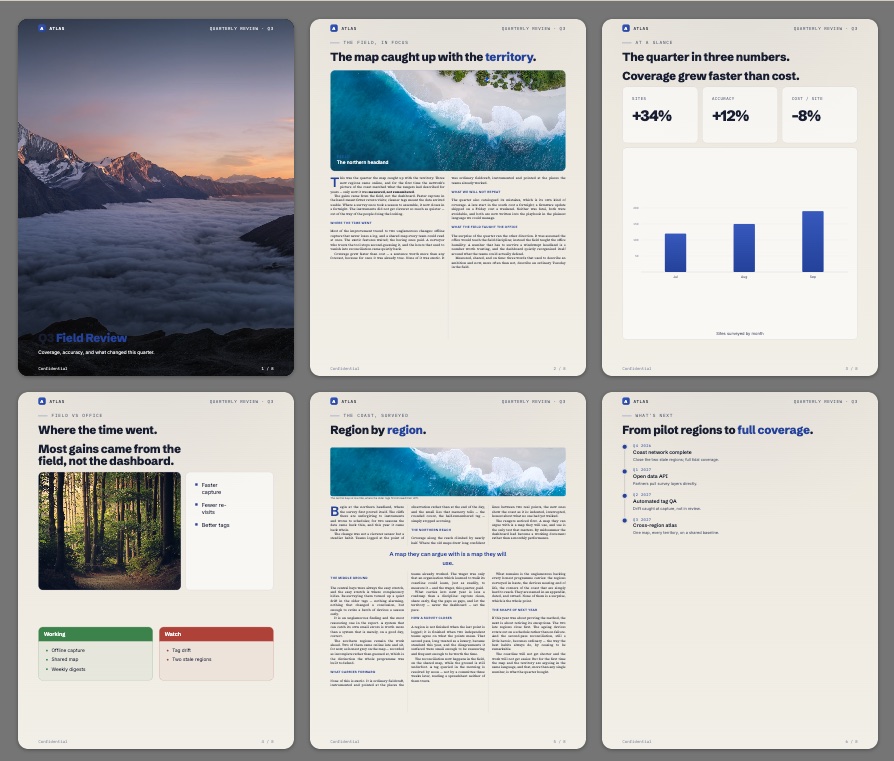
portrait — a printed report. Fixed pages at letter or A4, for the thing that gets sent out or filed.
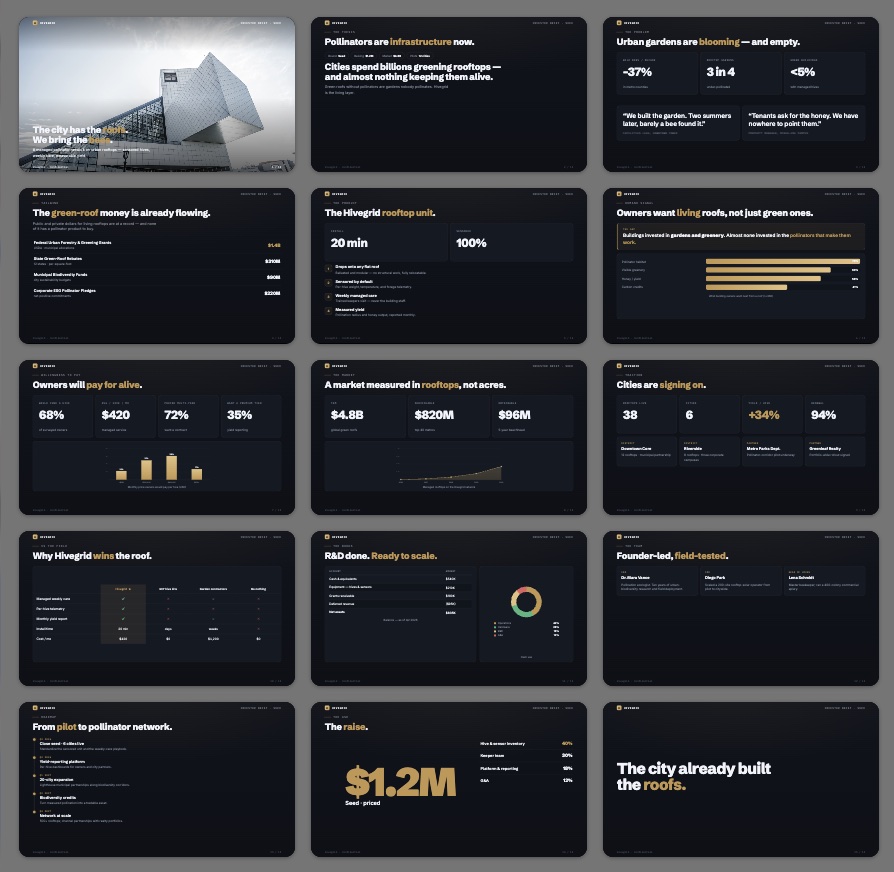
landscape — a presentation. Fixed 16:9 slides — full-bleed covers, comparison matrices, data charts, hero numbers, on-brand colour schemes. A deck, not a document pretending to be one.
Your identity on all three. Colours, logo and type come from your organization's branding, so what arrives looks like it came from you rather than from a tool.
…and growing.
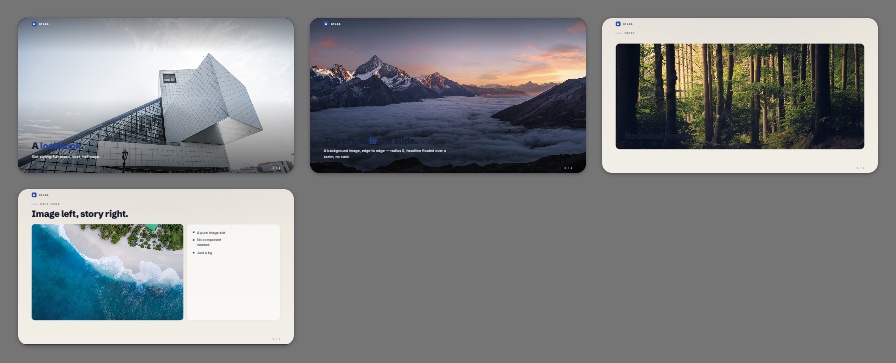
That sounds small until you see that it stacks. A layout exposes slots; a slot takes an element that fits it — or another whole layout, nested inside. Nine and twenty-three combine into far more distinct pages than either number suggests, which is exactly the point: the range comes from the composition, not from a long catalogue anyone has to maintain.
A primary region, a companion sized on the golden ratio at 0.382 of the split, and a content-hugging strip. Layouts are geometry-agnostic — the same tree renders as a slide or as a page.
Hero numbers, prose, callouts, covers, donut and bar charts. Each one declares which slot kinds it fits, so a chart cannot land somewhere it will not render.
None of this is yours to manage. You choose the shape — flow, letter, 16:9 — and that is the whole of it. Inside it there is no template to pick and no grid to fight: this is the machinery that makes the output good without asking anything more of you. The agent chooses a handful of things; the stacking supplies the variety.
And the constraint is what makes it work. A model composing freely on an open canvas produces the overlapping, overflowing slides everyone has seen. A model choosing from a vocabulary where every piece already fits produces pages that hold together. The catalogue it validates against is generated from the renderer itself, so what an agent is told it can build and what will actually render cannot drift apart.
A language model writing a deck is working blind — it emits a structure and never sees the slide. That is why AI decks so often have text running off the edge, an empty panel, a chart that didn't fit.
Here the agent can render its own draft to an image and look at it, mid-run, before you ever do. Overview the whole deck, or open one slide at full detail. It sees the overflow, sees the empty half, and fixes it — the same loop a person uses when they glance at a slide and notice it's wrong.
That closes the gap between a structure that is technically valid and a page that is actually presentable. How a stage runs
You define a background, a title colour, a body colour and an accent — light and dark variants of each — plus a heading font, a body font and your logo. The renderer derives the rest of the palette from those four and picks the light or dark variant automatically, based on how dark the piece itself is.
It inherits the way you'd expect: your organization sets the default, a workflow can override it for the work it produces, and any single artifact can override that — so the one deck going to a particular client can look however it needs to without disturbing anything else.
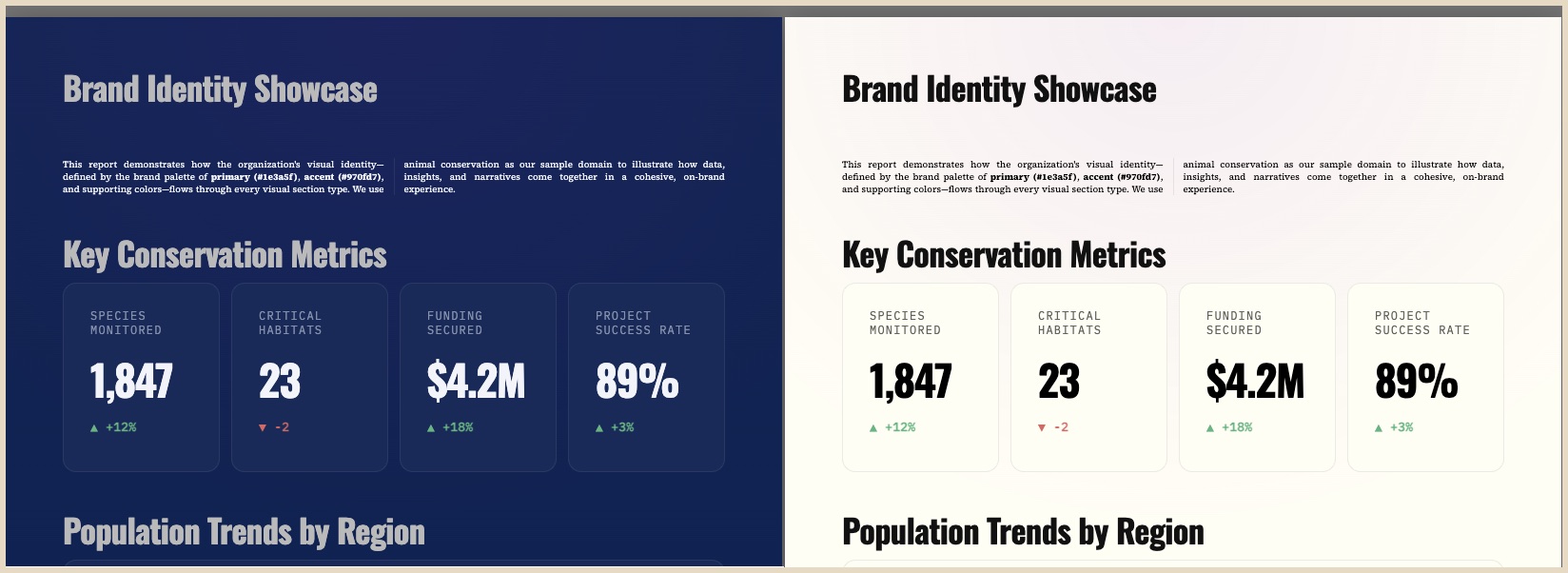
And it stays editable after the fact. Open a finished artifact, change the colours or the type scale, and it re-renders in front of you — no re-running the workflow, no paying for the work twice. The version you send is the version you looked at.
Export a deck and you get a real .pptx — one native slide per slide, with editable text boxes, native tables, real pictures and shape fills. Not slides rasterised into images, which is what "export to PowerPoint" usually means and which nobody can edit.
It stays honest to what you saw because of how it's built: the deck is composed once, rendered in a real browser, and every element's actual position and style is measured off that render before being written out as a native PowerPoint construct. The exported geometry cannot drift from the one on your screen, because it is read from it.
PDF works for every shape — documents, reports and decks alike. Editable Word export is not available yet; it needs a new exporter built against the current element model rather than the retired one, and is on the list rather than in the product.
The interactive version on screen, the PDF, the PowerPoint and the image the agent reviewed all come out of a single composition engine.
That is an architectural choice with a practical payoff: there is no second renderer to fall behind the first. A layout that looks right in the run view cannot quietly export broken, and the agent's visual check is a check of the real thing rather than an approximation of it.
Finished output is usually the end of the line. Here it is also an input.
Download it. PDF from anything, editable PowerPoint from a deck.
Publish it. Flip one toggle and the artifact becomes a standalone public web page on a private link — no account needed at the other end. Flip it back and the link dies.
Keep it. Save it into the document library, where it is classified into the knowledge graph like any other source — so the report your agents wrote last quarter is something they can navigate this quarter. Inside the knowledge graph
Or let it keep itself. With the knowledge graph switched on, finished work is filed automatically — nobody has to remember to do it.
Plenty of work doesn't want a report at the end of it. It wants a message in the channel the team already watches, or a row written back into the system the business actually runs on.
A workflow's exit can deliver instead of render: post the summary to Slack, send it as mail, reply on WhatsApp or Telegram, fire a webhook, drop the file where your files live, or write the result straight into the record it belongs to — a CRM, a project tracker, an ERP, a database. The same run can do several: file the deck, message the channel, update the record.
And it isn't limited to a catalogue. If the connector doesn't exist, orqo's Integration Builder researches the API and builds it — so "deliver it into that" is a description you write, not a roadmap item you wait for. How integrations get built · Exit hooks and stages
Preview is free. You bring your own LLM keys — encrypted and injected at runtime — and pay your provider directly. Point a workflow at something you'd normally spend an afternoon formatting.